-
E-mail
1211810561@qq.com
-
Phone
13636102066
-
Address
Macheng City, Huanggang, Hubei
Product Categories
Macheng Shimasai Industrial Automation Co., Ltd
Characteristics of high-temperature resistant position control switch
NegotiableUpdate on 01/17
- Model
- Nature of the Manufacturer
- Producers
- Product Category
- Place of Origin
Overview
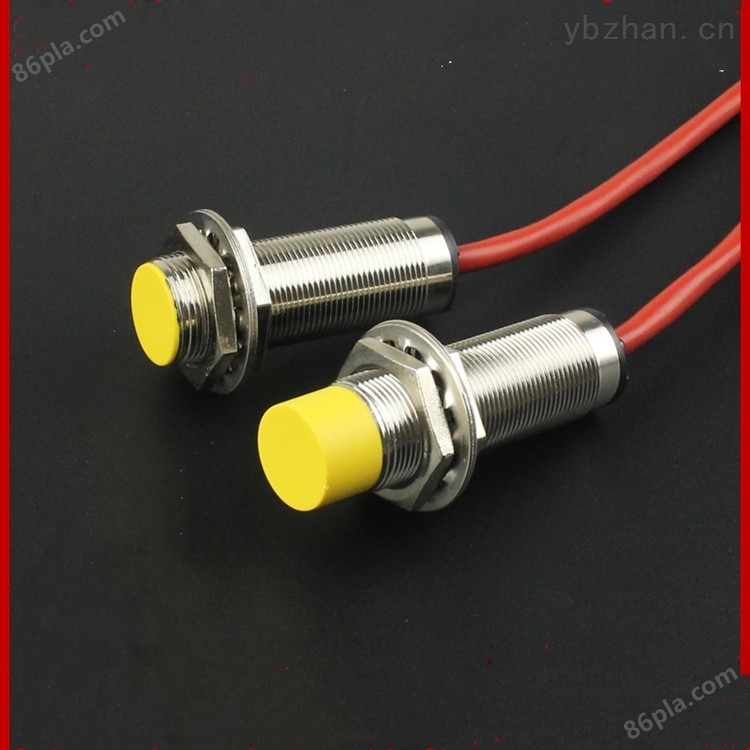
The main working principle of the position control switch SBN-G1H8-P5 | proximity sensor is to use the energy of the electromagnetic field to detect objects in a non-contact manner, mainly detecting and controlling metal objects. It is controlled by PLC and has the advantages of simple structure, high sensitivity, high resolution, being able to sense displacement of 0.01 μ m or even smaller, no reactive force, good dynamic response, non-contact measurement, and working in harsh environments. With the emergence of new processes and materials, especially the development of electronic technology, interference and parasitic capacitance problems have been continuously solved. Therefore, it is increasingly widely used in various measurements.
Product Details
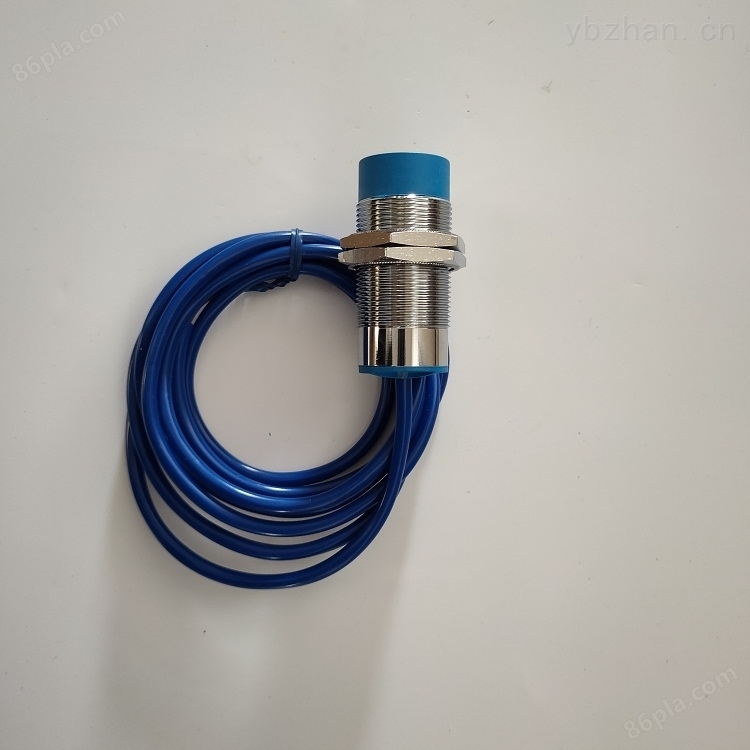
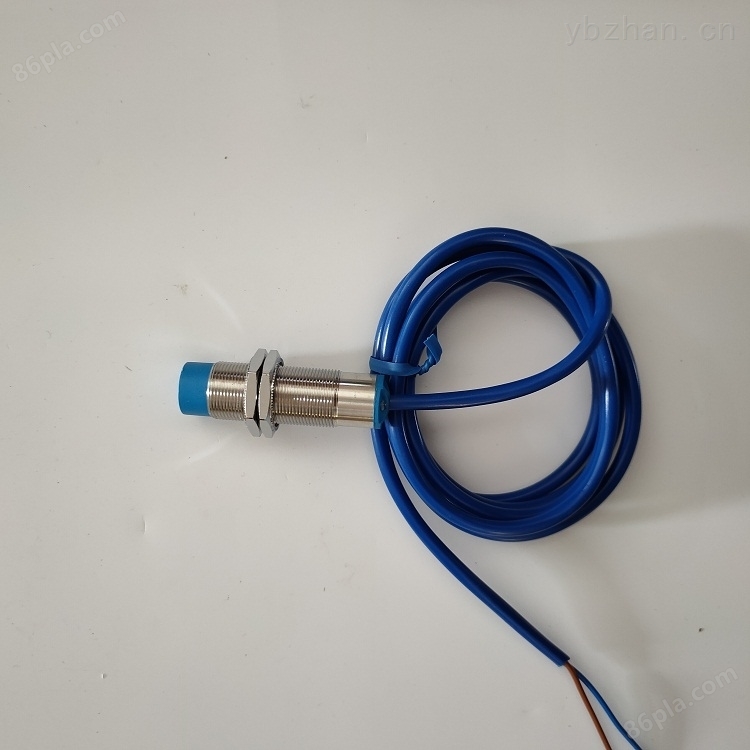
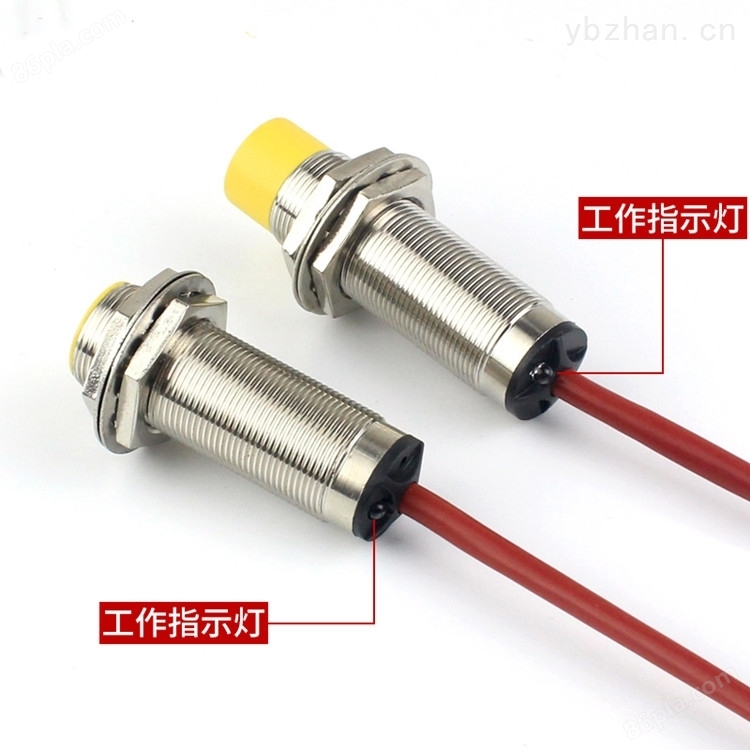
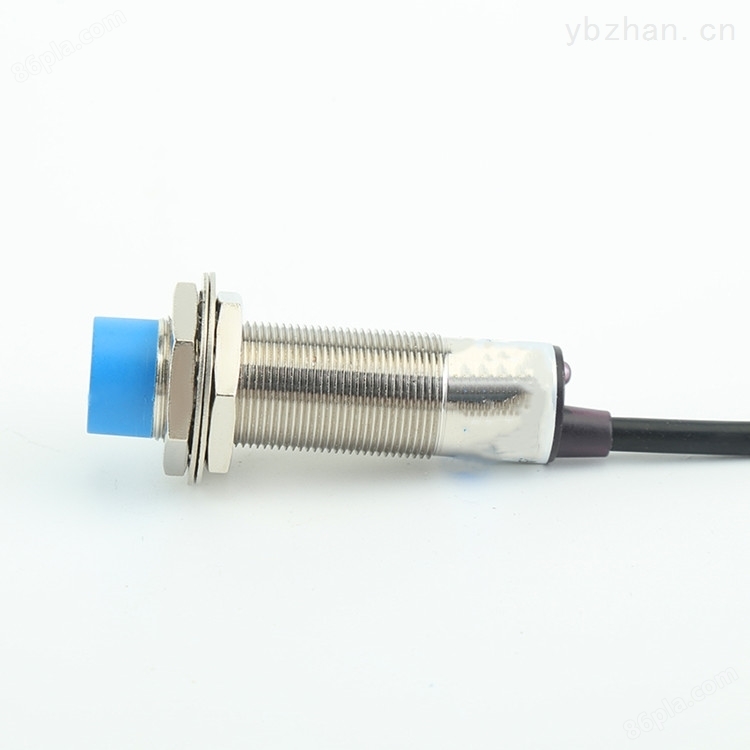
Position control switch SBN-G1H8-P5 | proximity sensorThe main working principle is to use the energy of electromagnetic fields to detect objects in a non-contact manner, mainly to detect and control metal objects. Through PLC control, it has the advantages of simple structure, high sensitivity, high resolution, can sense displacement of 0.01 μ m or even smaller, no reactive force, good dynamic response, non-contact measurement, and can work in harsh environments. With the emergence of new processes and materials, especially the development of electronic technology, interference and parasitic capacitance problems have been continuously solved, and therefore it is increasingly widely used in various measurements.
Product application industry
Steel plants, power plants, and similar high-temperature industries, as well as high-temperature environments and high-temperature metal objects
Characteristics:
★ Environmental temperature -25--+200 ℃
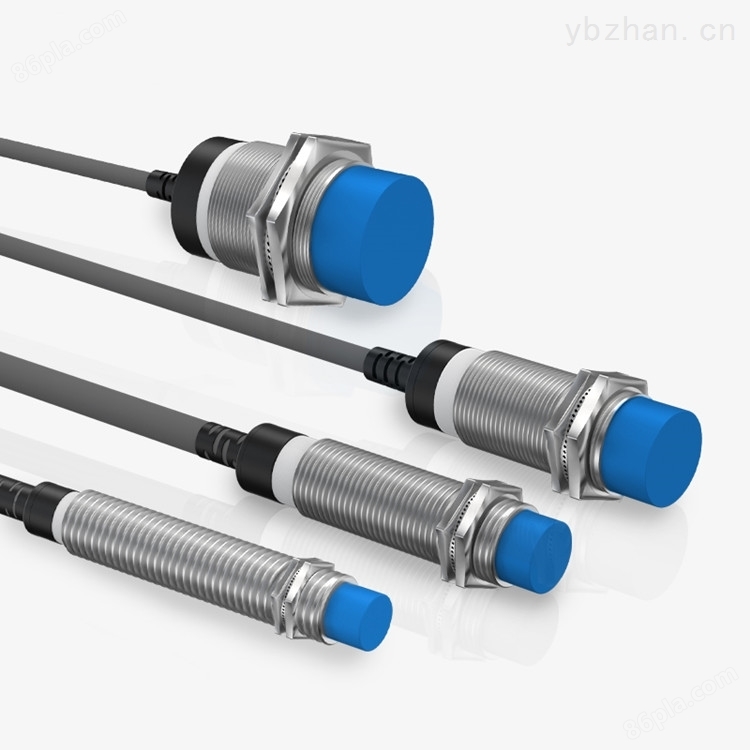
★ Specifications M12, M18, M30, SP80, SP140
★ The detection distance is optional from 2mm to 40mm.
★ Silicone cables and PTFE cables
★ Induction method: flush installation, non flush installation
★ Output mode: PNP/NPN NO/NC DC NO/NC AC NO/NC
Position control switch SBN-G1H8-P5 | proximity sensorTechnical Specifications:
1. Integrated design of amplification circuit
2. All internal components are made of imported parts,
3. Can be applied in harsh environments up to 150 ℃
4. Long service life and high reliability,
5. Surge, overload, reverse polarity protection function
6. Waterproof rating: IP67, suitable for use in water
7. Installation method: embedded, non embedded
8. Detection distance: 5-8mm,
9. Output mode: NPN/PNPNO/NC
10. Power supply voltage: 10-30VDC,
11. Exterior specifications: M18 * 1 * 51mm
12. Environmental temperature: -25... 150 ℃
13. Shell material: nickel copper alloy
14. Connection method: 2m silicone cable
Precautions for using and installing proximity switches
1) When installing proximity switches on metal, a certain amount of space should be reserved to avoid the switch from being disturbed by other metals outside the detected object and causing misoperation. The metal parallel to the sensing surface should be outside the detection distance three times the distance from the sensing surface. The metal around the axis of the proximity switch should be outside the cylinder with the proximity switch axis as the center and three times the diameter of the proximity switch as the diameter.
2) When installing two or more proximity switches simultaneously, in order to prevent mutual interference between any two, when the switches are facing each other, the distance between the two sensing surfaces in the axis direction should be greater than five times the detection distance. When installed in parallel, the distance between the outer cylindrical surfaces should be greater than three times the length of the proximity switch diameter. If the switch diameters are not equal, they should be calculated based on the diameter of the larger proximity switch.
Precautions during use
1) The tested object should not come into contact with the proximity switch to avoid damaging it due to friction and collision
2) Pulling the proximity switch lead by hand can damage the proximity switch. During installationsuggestionFix firmly with a wire clip at a distance of 10 centimeters from the switch on the lead wire
3) Do not use foot operated proximity switches, set protective covers during installation
4) The switch should be set within 2/3 of the rated distance to avoid being affected by temperature and voltage, which can affect the sensitivity of the proximity switch.
Proximity switches are widely used in many industries, especially in industrial settings. There are several types of proximity switches, including passive, photoelectric, Hall, capacitive, eddy current, etc. They are also widely used in industry and other sectors.
Don't think it's difficult to see so many types of proximity switches. They all have a common feature, which is their own detection distance. When the movable mechanical component moves within its detection range, the proximity switch starts to operate. However, different types of proximity switches have requirements for the detection object.
Selection of detection target substances for different types of proximity switches
The detection object material of passive proximity switches can be magnetic or iron materials. The detection object material of eddy current proximity switches must be conductive materials. The detection object material of capacitive proximity switches can be conductive materials, powdery substances, or liquid media. The detection object material of Hall proximity switches must be magnetic materials. The detection object requirement of photoelectric proximity switches is that the movable parts need to have reflective surfaces to generate reflected light in order to drive the photoelectric proximity switch action.
Proximity switch two-wire system
The two-wire wiring of proximity switches is particularly simple. Connect the proximity switch and load in series, then connect the power supply. Use a matching detection object substance to approach the proximity switch, and the proximity switch will act.
The three wire system leads of the proximity switch are color coded
The three wire system leads of the proximity switch have color markings, including the color of the positive power line (red or brown), the color of the 0V power line (blue), and the color of the signal line (yellow or black).
The proximity switch three wire system has two types of wiring, PNP and NPN, so its wiring is different. If it is an NPN type proximity switch wiring, find the proximity switch signal wire, connect the load, and then connect the load to the positive wire of the proximity switch power supply. If it is a PNP type proximity switch, also find the proximity switch signal line, connect the load, and then connect the load to the 0V line of the proximity switch power supply.
How to determine whether a proximity switch is NPN or PNP type
According to the characteristics of diodes, P represents the anode (+) and N represents the cathode (-). Also, because the forward conductor of the diode is turned off in the reverse direction. A transistor can be seen as composed of two diodes. And knowing that when approaching the positive pole of a switching power supply, it is equivalent to the base of a transistor, so taking the positive pole of the power supply as the starting point. Using the resistance range of a multimeter, connect the red probe to the positive power supply and the black probe to the 0V power and signal lines respectively. If the resistance measured separately is very small, exchange the probes for measurement. If the resistance measured separately is very large, then the proximity switch is NPN type, otherwise it is PNP type proximity switch.


Similar Product Recommend